Words per minute — WPM — is the universal scoreboard for typing, quoted on resumes, demanded in job listings, and argued about in every esports-adjacent corner of the internet. But what counts as "good" depends entirely on who you are and what you type. A 45 WPM student and a 45 WPM data-entry clerk live in different worlds. This guide explains how WPM is actually calculated, publishes honest benchmarks by age and profession, and lays out a four-week plan to type measurably faster — tested against our own free Typing Speed Test.
How WPM Is Actually Calculated
One "word" in typing measurement is standardized as five characters, including spaces and punctuation. Your gross WPM equals total characters typed divided by five, divided by minutes elapsed. A separate number — net WPM — subtracts errors: uncorrected mistakes cost you words. Most serious tests, including ours, report both, because raw speed without accuracy is vanity. Our test runs for 60 seconds on everyday English words, counts every keystroke locally in JavaScript, and derives your score the instant the timer ends. Nothing you type leaves the browser, so practice emails, passwords accidentally pasted, and drafts all stay private.
Honest WPM Benchmarks for 2026
Large-scale typing studies and test-platform aggregates converge on the same ladder. Hunt-and-peck typists land between 20 and 35 WPM. Casual touch typists — the bulk of office workers and students — sit at 40 to 55 WPM. The professional band starts around 65: writers, programmers, and support agents who type all day typically hold 60 to 80 WPM in sustained bursts. Dedicated transcriptionists and stenographers work at 80 to 100. Competitive speed typists on leaderboards exceed 120, with world records brushing 200+ on memorized texts. For school, 40 WPM with 95 percent accuracy handles essays comfortably; for data-entry hiring, listings commonly ask 60+ with 98 percent accuracy; for programming, raw WPM matters less than shortcut fluency, and 50 careful WPM beats 90 sloppy ones.
Speed Means Nothing Without Accuracy
Consider two typists: one hits 90 gross WPM at 85 percent accuracy, the other 60 at 98 percent. After error penalties, the "slower" typist's net score is dramatically higher — and in real work the gap is wider still, because every error costs backspaces, re-reads, and broken flow. Employers figured this out long ago, which is why accuracy thresholds accompany nearly every WPM requirement. Train with a simple rule: never sacrifice accuracy for speed during practice. Type only as fast as you can stay above 96 percent; speed built on clean keystrokes compounds, while speed built on mashing plateaus early and permanently.
A Four-Week Plan to Type Faster
- Week 1 — Home row discipline: Relearn finger placement properly: left fingers on A-S-D-F, right on J-K-L-semicolon, thumbs on space. Practice 15 minutes daily on home-row-only drills. It will feel slower than your current habits. That is the point.
- Week 2 — No-look enforcement: Cover your hands with a towel or disable the screen preview if your trainer allows it. Glancing down resets muscle memory; every look costs you twice — once in time, once in training effect. Target 35+ WPM at 96 percent accuracy before advancing.
- Week 3 — Burst drills on common words: The 200 most common English words (the, be, to, of, and…) make up half of everything you type. Drill them in bursts: 30 seconds all-out, 30 seconds rest, repeat ten times. Then take a full 60-second test daily and log your score to see the trend line climb.
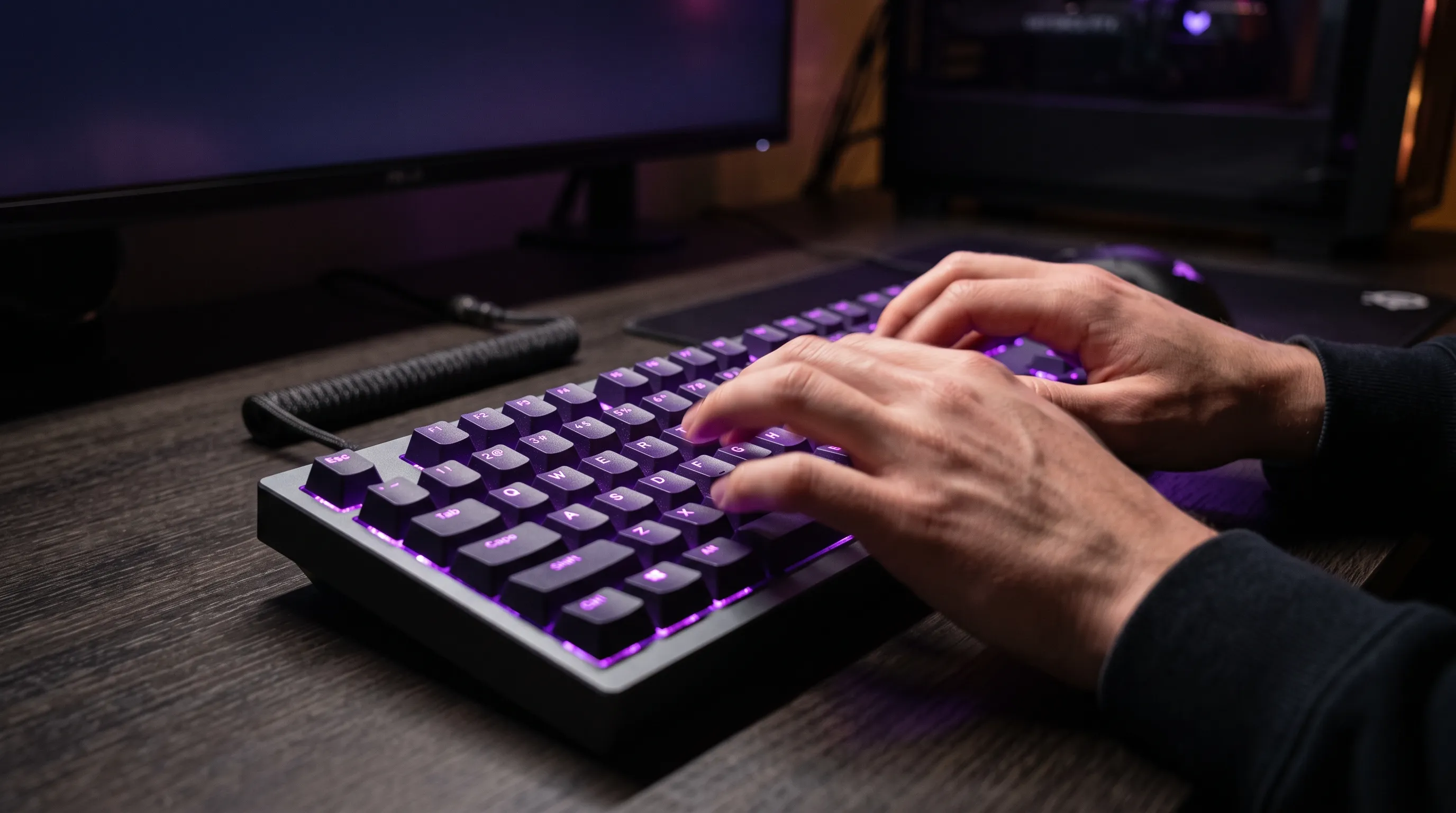
- Week 4 — Ergonomics and hardware: Adjust chair height so wrists float straight, keep the keyboard at elbow level, and consider a mechanical or low-profile keyboard with switches you enjoy — comfort directly converts to sustained speed. Re-test weekly, not hourly; adaptation shows over days.
Benchmark yourself right now — 60 seconds, free, no signup.
Test My Typing SpeedTyping Speed FAQs
Is there a ceiling for hunt-and-peck typing?
Yes — around 35 to 40 WPM. Two fingers simply cannot cover the keyboard faster regardless of practice, because travel distance per character is too high. Breaking through requires switching to touch typing, which drops to 25 WPM for two frustrating weeks before climbing past your old peak.
Does an expensive keyboard make you faster?
Marginally — perhaps 5 to 10 percent once adapted. Switch feel, key travel, and layout consistency matter more than price. The biggest hardware upgrade is free: stop switching between wildly different keyboards (laptop, desktop, phone) during the learning phase.
How long does it take to reach 80 WPM?
From 40 WPM with daily 15-minute practice, most learners reach 60 in a month and 75–80 in three to four months. Progress is logarithmic: early gains come fast, and each additional 10 WPM past 80 takes roughly as long as the previous twenty.
Why am I slower on my laptop than my desktop?
Shallow laptop keys, cramped layouts, and different spacing break trained muscle memory. This is normal and temporary — a week of exclusive laptop practice usually closes most of the gap. Test on the keyboard you will actually be judged on.
Keep Training: Measure Everything You Type
Writers can quantify output with our Word Counter — track daily words alongside WPM and watch both climb. Gamers chasing reaction benchmarks should also try the CPS Test for click speed and the Typing Speed Test weekly to log progress. All three run entirely in your browser with no accounts and no data collection.