Passing into 2026, the internet has never been more fast, and pictures have been the number one reason that causes slow page loads. In case you are still using JPEG or PNG, you are losing out critical SEO rankings.
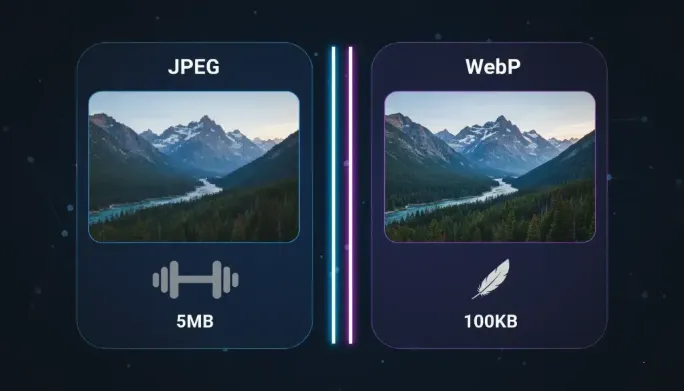
Side-by-side: WebP maintains high visual fidelity at significantly lower bitrates.
The 30% Rule: Efficiency by the Numbers
Statistics provided by Google compression groups indicate that an average image with WebP is 30% smaller than a JPEG one. This is an enormous savings in bandwidth to a site that is heavy in photography.
Ready to boost your site speed?
Convert Your Images NowCore Web Vitals and the LCP Factor
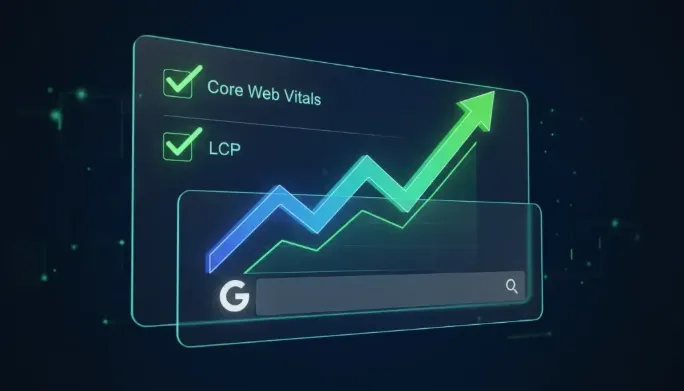
In 2026, the ranking algorithm of Google places much emphasis on LCP (Largest Contentful Paint). LCP is the measurement of the time taken by the biggest element on the screen to be visible.
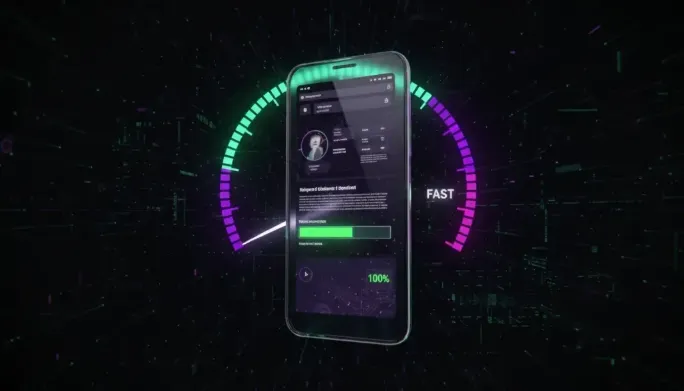
Impact of WebP on Largest Contentful Paint (LCP) scores.
The conversion to WebP guarantees you faster delivery of bytes and improved experience of the mobile user. WebP is more efficiently decoded by modern browsers in 2026 than old-fashioned progressive JPEGs.
WebP vs. Legacy Formats
| Feature | JPEG | PNG | WebP |
|---|---|---|---|
| Transparency | |||
| Animation |
Why 2026 is the "Point of No Return"
More than 98% of active international browsers are completely WebP in 2026. In its reports, Google Search Console is now explicitly labeling analytics as Legacy Image Formats, prompting webmasters to switch to next-gen formats.
AVIF vs WebP: Should You Skip Straight to AVIF?
AVIF compresses roughly 20 percent smaller than WebP at equal quality, so it is tempting to leapfrog. In practice, WebP remains the pragmatic default for three reasons. First, encoding a large AVIF can take ten times longer, which slows static-site builds and CMS media pipelines to a crawl. Second, AVIF decode is heavier on low-end phones, occasionally hurting the Interaction to Next Paint scores you were trying to improve. Third, tooling support — from email clients to social link-preview scrapers — still assumes JPEG, PNG, or WebP. The sensible stack in 2026 is WebP as the workhorse with AVIF reserved for hero images where you hand-tune each file, served through the same <picture> fallback chain described below.
Serving WebP With Bulletproof Fallbacks
Never hot-swap file extensions and hope for the best. Wrap every converted image in a <picture> element: a <source srcset="photo.webp" type="image/webp"> first, followed by the original <img src="photo.jpg"> as fallback. Modern browsers pick WebP automatically; anything else silently falls back to JPEG. Always keep explicit width and height attributes on the <img> so the browser reserves layout space before the file arrives — this single habit eliminates most Cumulative Layout Shift penalties attributed to images. Finally, add loading="lazy" and decoding="async" to every below-the-fold graphic so offscreen images never compete with your LCP element for bandwidth.
WebP Conversion FAQs
Does WebP support transparency like PNG?
Yes. Lossless WebP preserves full alpha channels, and in our tests transparent PNG screenshots shrink by 40 to 60 percent with zero visible difference. That makes WebP a drop-in replacement for UI graphics, logos, and overlays — not just photographs.
Will converting to WebP hurt image quality?
At quality settings between 75 and 85, differences from the source JPEG are imperceptible in blind comparisons while files run about a third smaller. Quality loss only becomes visible below 60, a range you should reserve for thumbnails and previews rather than hero imagery.
Do I need to keep the original JPEGs after converting?
Yes — archive the originals. Re-encoding a WebP back to JPEG compounds compression artifacts, so any future format migration or quality change should start from the source files. Treat WebP as a delivery format and the originals as your negatives.