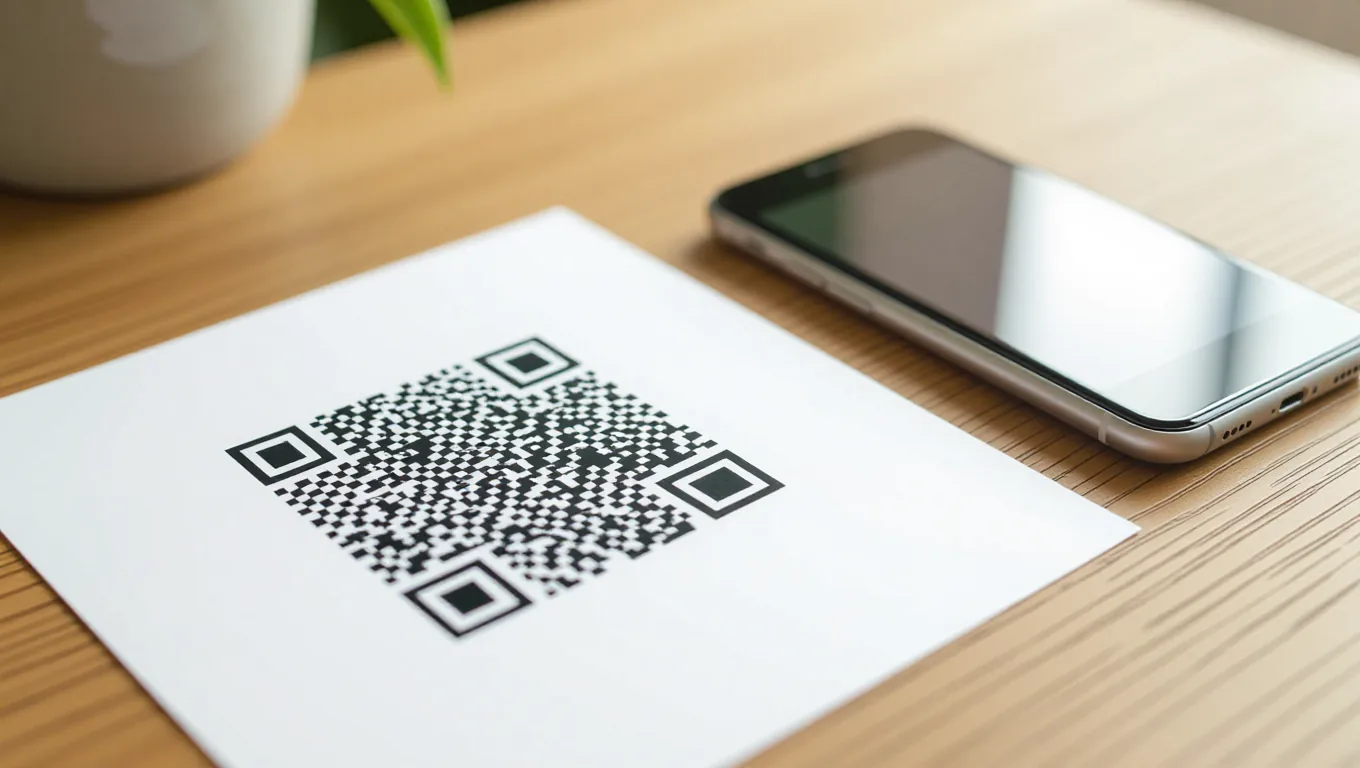
QR codes sit on restaurant menus, shipping labels, event tickets, and business cards, yet most of the ones I scan daily are smaller, blurrier, or more broken than they need to be. A QR code that fails to scan is worse than no QR code at all: it trains people to ignore them, and it quietly sends traffic nowhere. The good news is that scannable QRs are cheap to produce if you follow a handful of rules around size, error correction, data length, and what happens after the scan. These principles apply to any generator, and I will use NoLoginTool's QR code generator as the reference point throughout.
Start With the Right Print Size
Size is the first thing that determines whether a code works in the wild. Scanners need a certain amount of module detail relative to the camera's field of view, so a pattern that looks perfect on a 27-inch monitor can be illegible on a phone held three feet away. As a rule of thumb, a QR code scanned from a phone should measure at least 2 x 2 centimeters (about 0.8 x 0.8 inches) when printed. For posters or anything scanned from across a room, scale up proportionally — typically about 2 centimeters of width per meter of scanning distance. A billboard viewed from the street needs far more than a business card. Always test the final print size on an actual phone before committing to a print run; screen previews lie, and a reprint costs more than a test.
Pick the Error Correction Level for the Job
QR codes carry built-in error correction, so they stay readable when part of the pattern is torn, smudged, or printed poorly. There are four levels — L, M, Q, and H — recovering roughly 7%, 15%, 25%, and 30% of codewords respectively. Higher correction means more redundancy, which makes the pattern denser and larger for the same data. For clean indoor prints on smooth paper, L or M is usually plenty and keeps the code compact. For anything exposed to the elements — stickers on water bottles, warehouse labels, outdoor signage — Q or H is worth the extra ink because smudges, scratches, and folding happen typically sooner than you expect. The trade-off is real: a heavily corrected code must be printed larger to stay scannable, so do not max out correction on a tiny code and call it done.
Keep the Encoded Data Light
Every character you encode adds modules to the matrix. A long URL stuffed with UTM tags and session IDs turns a compact grid into a dense pattern that phone cameras struggle to read from any distance. Shorten the destination before you encode it: use a short domain, strip unnecessary query parameters, and ask whether a plain URL serves the context better than a vCard or Wi-Fi config. If you must encode a long address, show the full URL nearby as a fallback so people can type it. Simpler data means simpler patterns, and simpler patterns scan more reliably across older phone cameras. Our regex tester can validate the destination URL format before you lock it into a print run.
Contrast and Quiet Zones Are Not Optional
Scanners hunt for the three finder patterns in the corners and the quiet zone — the blank margin around the code. Violate either one and readability breaks. Use near-black modules on a near-white background for the strongest contrast. Inverted colors sometimes work on modern phones but fail on older scanners, so treat them as a maybe, not a plan. Never print a QR code over a photo, gradient, or textured surface without testing first. Keep the quiet zone at least four modules wide on every side, and do not let logos or design elements intrude into it. A centered logo is fine if it stays small, sits in the middle where redundancy covers it, and leaves the finder patterns untouched.
Track Scans Without Guessing
A QR code is a gateway, not a destination, and what happens after the scan matters more than the code itself. If you print codes for campaigns, use distinct short links per placement so you can tell whether the code on the receipt outperforms the one on the window sticker. UTM parameters on the destination feed your analytics, but keep them tidy — everything encoded in the QR grows the pattern. Redirects add a hop, so test that the short link resolves quickly; a slow redirect makes the code feel broken even when it scans perfectly. Treat scan counts as directional, not exact: bots, link-preview caches, and repeated scans from the same device all inflate numbers. For anything tied to revenue or customer data, treat metrics as general information and consult a professional analyst before making decisions from a dashboard.
QR Code FAQs
Does error correction change the scanned data?
No. Error correction adds redundancy so damaged modules can be reconstructed, but the decoded content — the URL, text, or Wi-Fi credentials — is identical regardless of which level you choose.
Can I change the destination after printing?
Only if the QR code points to a short link or redirect that you control. The pattern itself is immutable once printed, so use a short URL service or your own redirect if you want to retarget later without reprinting.
How small is too small?
Below roughly 2 x 2 centimeters for close phone scanning, error rates climb quickly. There is no universal minimum because camera quality and printing resolution vary, so treat 2 centimeters as a floor and test your actual context before rolling out.
Placement and Context Matter
Even a perfect code fails if nobody can reach it. Do not put QR codes on moving vehicles, highway billboards read at 70 miles per hour, or screens that already live on a phone — the user cannot scan a screen with the same phone easily. Put codes at eye level, on flat surfaces, where people naturally pause: a checkout counter, a table tent, a product box. Add a short instruction like "Scan to order" so the purpose is obvious before anyone pulls out a camera. Context turns a barcode into a destination.
Our Generator Keeps It Simple
We built NoLoginTool's QR code generator to make these best practices the default: clean output, selectable error correction, and no signup required. Enter your destination, choose a correction level, preview the code at real size, and download it as PNG or SVG. SVG works best for print because it scales without pixelation; PNG is fine for screens and email. Whatever generator you use, run the final output through a phone scan before you publish.
Make a scannable QR code in seconds.
Generate QR Code Free