With Shopify, every millisecond of loading time is directly proportional to your conversion rate. When it takes your product pages over 3 seconds to load, then you are probably losing 40 percent of potential customers.
High-Quality Photos vs Page Speed.
The problem is that the owners of the Shopify stores are in a predicament: on one hand, you require an impressive, high-resolution product photography to gain trust, and on the other hand, these giant files are killing your mobile connection. WebP compression is the answer, as it is the best of the two worlds.
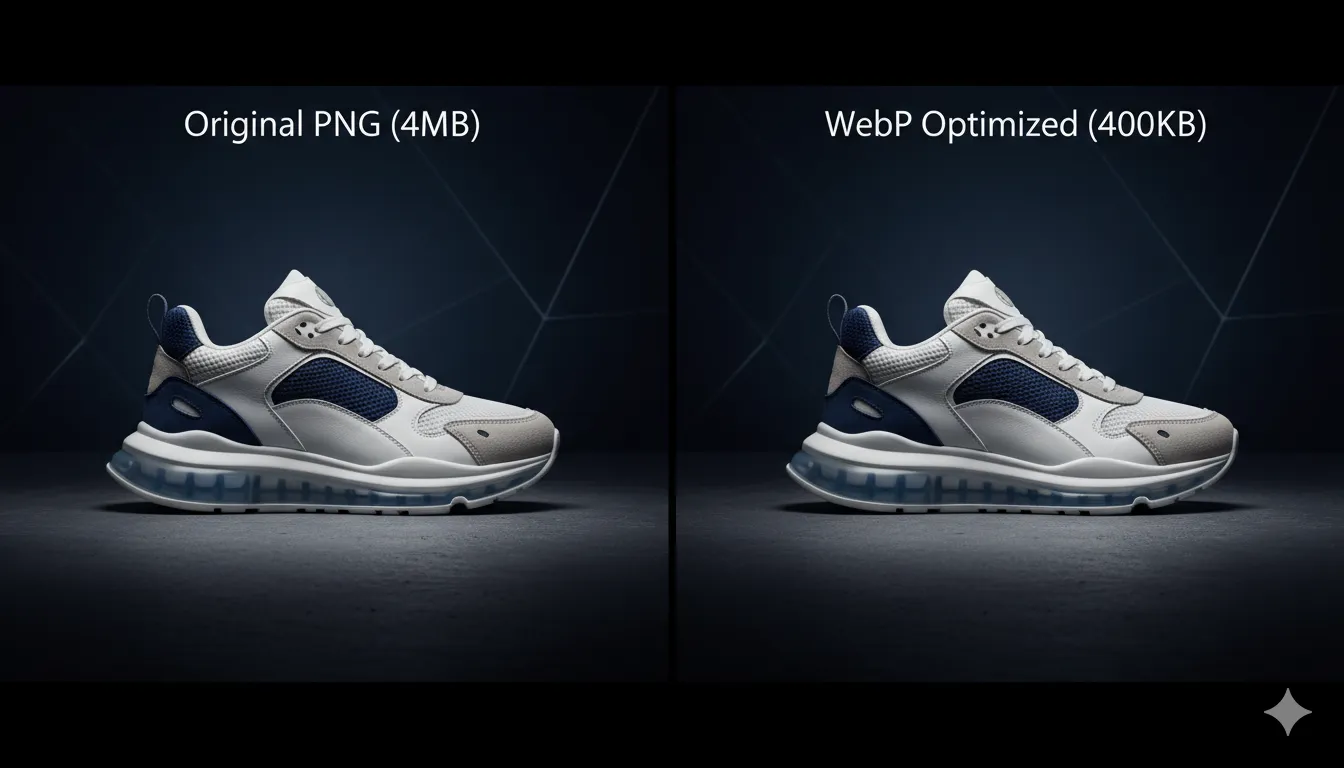
Lossy vs. Lossless: What is best for Shopify?
The concept of compression is important in ensuring the store looks like a professional:
Lossy
Eliminates unseen data to hugely cut the size. WebP is a lossy compression algorithm which preserves edges of products but eliminates data which is invisible to the human eye
Lossless
Keeps every single pixel. It works well with small icons, but with product images it makes huge files, which make the checkout process slow.
The Reason why Shopify Experts are moving to WebP.
Even though Shopify does have some sort of optimization, you have the overall control of pre-compressing your pictures before uploading. It will make sure the banners you have on your Hero and product views of zoom-in are glowing without causing any of the Lighthouse warnings of speed.
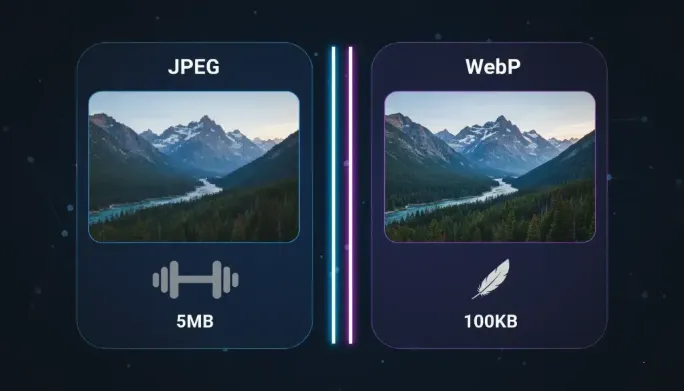
3 Tips for Shopify Image SEO in 2026
- Consistency: Make all product variants WebP so that all products have a similar experience in loading.
- File Naming: Name your file blue-silk-dress.webp not IMG 582.webp so that Google Image Search knows who you are.
- Dimensions: Do not post a 5000px image when it is only shown on Shopify at 1000px. Resizing and compression are done concurrently by our converter.
Shopify Image Size Limits by Theme Section
Shopify's CDN serves whatever you upload, but each theme section displays at a fixed width — uploading larger only wastes bytes. As a practical baseline for 2026 themes (Dawn, Craft, Impact): product gallery images at 2048 px on the longest edge, collection banners at 1600 × 800, homepage slideshows at 1600 px wide, and lookbook or blog imagery at 1200 px wide. Anything above these thresholds gets downscaled by the browser after the full file has already downloaded. Resize to the display size first with our Image Resizer, then compress — the two-step sequence typically cuts product photos from 3 MB to under 300 KB with no visible change on a phone screen.
Alt Text: The Free SEO Most Stores Skip
Every product image should carry descriptive alt text naming the product, color, and use case — "women's blue silk midi dress, front view" rather than "IMG_582." Alt text feeds Google Image Search, which drives a surprising share of Shopify discovery traffic, and it is also a legal accessibility requirement in many jurisdictions. Write it in Shopify under Products → Media → Alt text, keep it under 125 characters, and never stuff keywords; one natural, specific phrase per image outperforms a comma-separated list. While auditing images, also rename the files themselves before upload: blue-silk-midi-dress-front.webp tells Google far more than IMG_582.webp.
Shopify Image FAQs
What is the best image format for Shopify products?
WebP at 75–85 percent quality for photos, and PNG only for graphics needing pixel-perfect edges or transparency that WebP cannot simplify. Shopify serves WebP automatically in some pipelines, but uploading pre-converted WebP guarantees the savings instead of hoping the CDN handles it.
Why are my Shopify images blurry after upload?
Blurriness almost always means the source was smaller than the display slot and got upscaled, or that heavy platform recompression stacked on top of an already low-quality JPEG. Upload at or slightly above the section's display size, at high quality, and let a single deliberate compression pass — yours — do the work.
How many product images slow down a page?
There is no fixed number; total bytes and request count matter. Eight 200 KB images (1.6 MB) load far faster than three 2 MB originals (6 MB). Lazy-load gallery thumbnails below the fold so the first paint only waits on the hero shot.