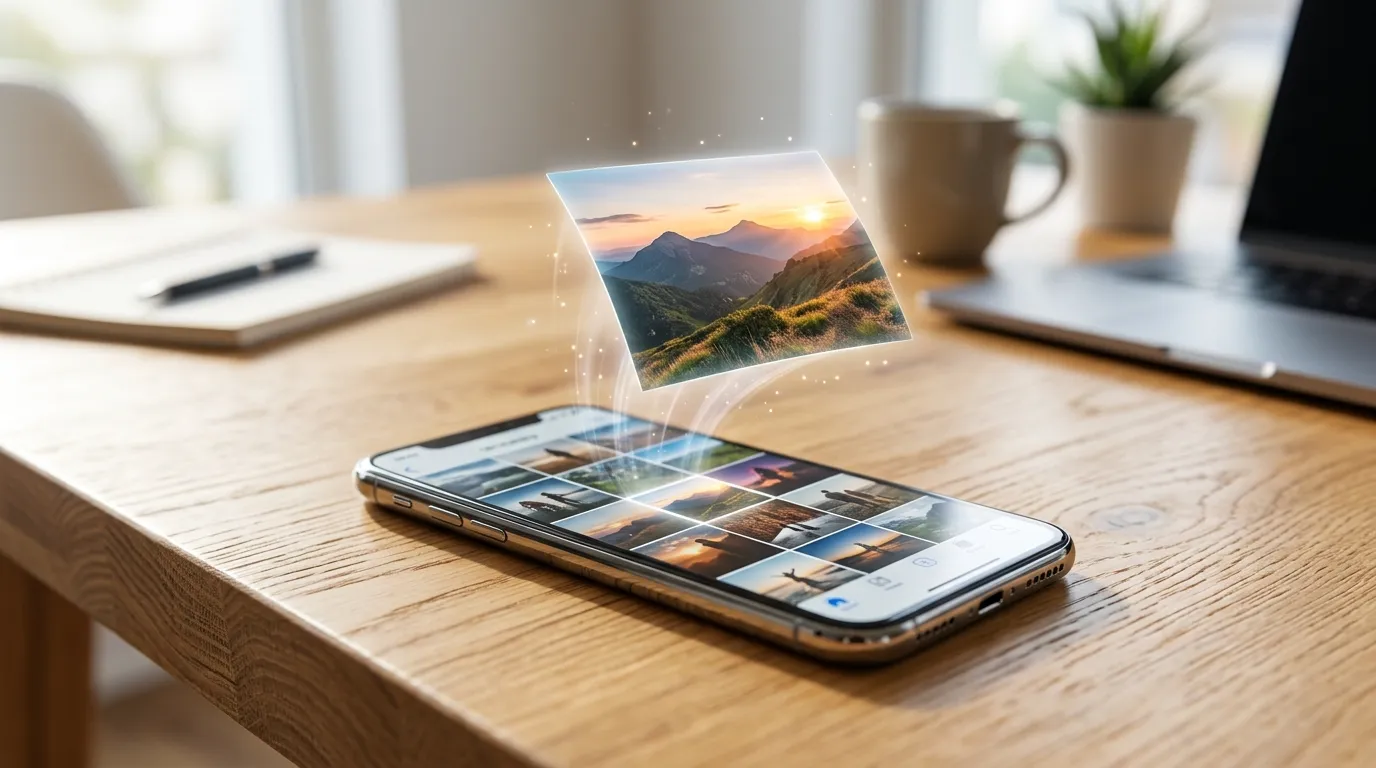
Last month my sister AirDropped me 200 vacation photos and exactly zero of them would open on my Windows laptop. Every file ended in .heic, every program shrugged, and Microsoft wanted money for its own HEVC extension. Twenty minutes later I had them all as JPGs without installing a thing. If you own an iPhone and anything that is not an iPhone, this exact annoyance is coming for you — here is the full story and the fix.
Why Your iPhone Saves HEIC (and Why Nothing Else Likes It)
Since iOS 11, Apple has defaulted to HEIC — a container built on the same HEVC/H.265 codec as 4K video. It is genuinely clever tech: the same 12-megapixel shot takes roughly 2 MB as HEIC versus 4 MB as JPG, so your storage lasts nearly twice as long. The problem is politics and licensing, not engineering. Microsoft's HEVC decoder is a paid add-on, most Linux distros skip it over patent worries, and countless websites, printers, and office PCs predate the format entirely. Apple gets to save space; you get to deal with the fallout everywhere else.
The 3-Step Fix (Free, No Uploads)
- Open our HEIC to JPG Converter on whatever device holds the files — phone, tablet, or desktop, any modern browser works.
- Pick your file and set quality. I use 90% for anything I might print and 75% for quick shares. The converter shows both file sizes so you can see the tradeoff live.
- Convert and download. Decoding happens through WebAssembly right in the tab. A 10 MB HEIC typically finishes in a few seconds, and the JPG opens literally everywhere.
Should You Just Switch Your iPhone to JPG?
You can — Settings → Camera → Formats → Most Compatible — and honestly, for most people I recommend leaving HEIC on. Storage is the thing you run out of, and conversions take seconds when needed. The exception: if you constantly move photos to a Windows workflow (Lightroom catalogues, office shares, print shops), shooting JPG from the start removes a weekly chore. There is no wrong answer, only the one matching how your photos actually travel.
HEIC Conversion FAQs
Will I lose quality converting to JPG?
At 90% quality or above, no visible difference — I have blink-compared beach shots and brick walls and given up telling them apart. The decode from HEIC is exact; only the final JPEG pass discards data, and at high settings it discards stuff your eyes cannot see anyway.
What about Live Photos and bursts?
Live Photos store a short video alongside the still; converters (ours included) process the still image, which is the frame you actually want 99% of the time. Bursts are just sequences of stills — convert the keepers, skip the 47 near-identical frames.
Is there a file size limit?
Only your device's memory. Panoramas in the 50–100 MB range convert fine on desktop browsers; on older phones, close other tabs first so the decoder has room to breathe.
Got a folder of stubborn .HEIC files? Fix them right now.
Convert HEIC to JPG Free