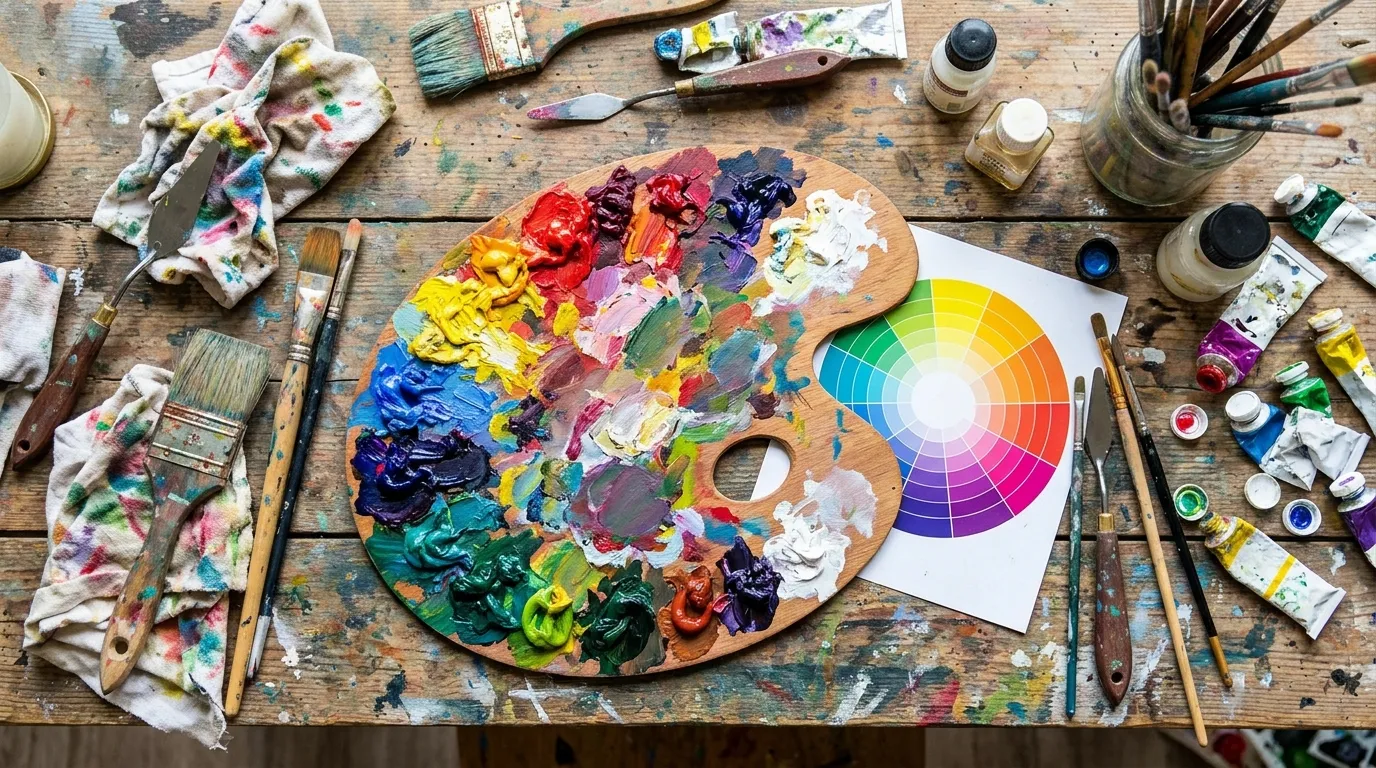
Here is a dirty secret from fifteen years of frontend work: most developers use exactly one color format for everything, usually HEX, and quietly suffer whenever a design task needs anything else. Then comes the day you must darken a brand color for hover states, or check whether gray text on a beige background is even legal — and suddenly HEX feels like trying to do arithmetic in Roman numerals. Each format exists because it is the best tool for a specific job. Let us sort out which is which.
HEX, RGB, HSL: Horses for Courses
HEX (#8B5CF6) is compact and universal — the lingua franca of design handoff, Figma inspect panels, and Stack Overflow answers. RGB (rgb(139, 92, 246)) maps directly to how screens and canvas APIs think; every pixel your code reads arrives as RGB triplets. HSL (hsl(251, 91%, 65%)) matches human intuition: Hue picks the color family, Saturation the vividness, Lightness the brightness. Want a darker button hover? Lower L by 10. A muted background? Lower S. Try doing either in HEX without a converter and you will feel the Roman-numerals pain immediately.
One Color In, Whole Palette Out
Professional palettes grow from a single base: mix toward white for tints (backgrounds, hover states), toward black for shades (text, borders, depth). Our Color Converter generates a nine-step strip — four tints, your base, four shades — with click-to-promote on any swatch, so exploring takes seconds. Steal this workflow: base for brand moments, lightest tint for page backgrounds, darkest shade for text, one mid-tone for borders. Four colors, whole design system, zero guesswork.
Contrast: The Check Everyone Skips (Until the Lawsuit)
WCAG demands 4.5:1 contrast for body text (AA) and 7:1 for AAA. Most brand palettes fail this spectacularly — that gorgeous light-blue-on-white combo your designer loves scores something like 2:1. The fix preserves branding: keep vivid colors for large graphics and accents (which have looser rules), and darken reserved text variants. Check both pairings in the converter before shipping; accessibility overlays and lawsuits both cost more than the ten seconds this takes.
Color FAQs
Why do screenshots never match my HEX values?
Color profiles. Screenshots pass through display ICC profiles, and wide-gamut (P3) displays shift saturated colors versus sRGB pickers. For critical brand matching, sample from exported sRGB files, not screen grabs.
RGB vs RGBA — when does alpha matter?
Whenever layers overlap: shadows, overlays, glassmorphism, image captions. Alpha compositing against varying backgrounds is why the "same" translucent gray looks different on white versus photo backgrounds — always test overlays in situ.
How many colors does a UI need?
Fewer than you think: one brand hue, one neutral ramp (grays), one success, one warning, one error. Six roles, and most interfaces never need more. Constraints breed cohesion.
Paste a HEX code. Get everything back.
Convert Colors Free