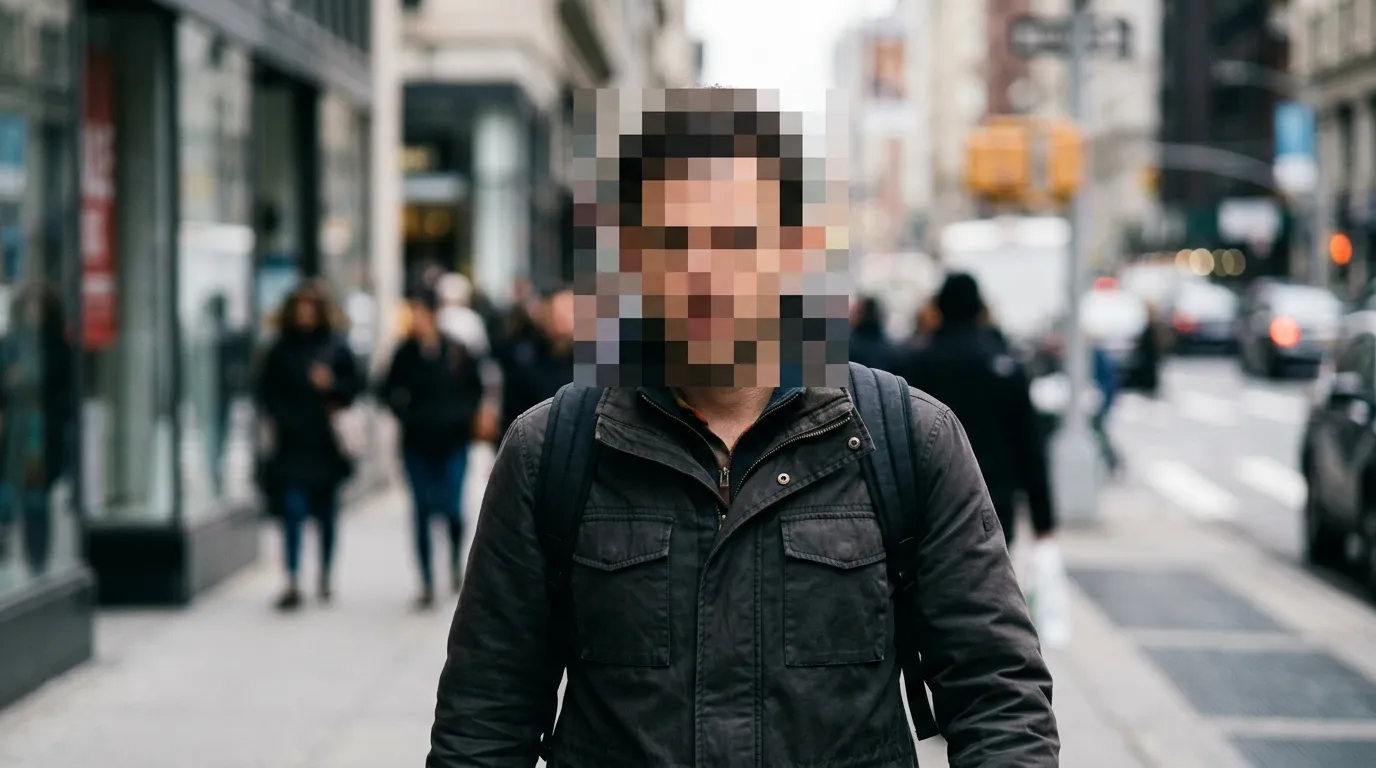
I once posted a perfectly innocent parking-lot sunset to a local Facebook group and spent the next day deleting comments from strangers who had zoomed into a stranger's license plate in the background. Lesson learned the embarrassing way: if you did not mean to publish it, someone will find it. Faces, plates, house numbers, documents on desks — cameras capture everything, and audiences inspect everything. Here is how to clean photos before they go public, in about a minute each.
What Actually Needs Blurring (More Than You Think)
Run this mental checklist before posting anything shot in public. Faces — especially kids, who cannot consent. Plates — they map to home addresses through lookup services. House numbers, mail, screens — mail shows names and addresses; a visible laptop screen can leak messages or internal tools. Reflective surfaces — sunglasses, mirrors, and car paint have all famously exposed photographers themselves. And location giveaways — gym key fobs, office badges, license plates again. When in doubt, blur it; nobody ever complained a photo had too much privacy in it.
Pixelate vs Gaussian Blur: Pick Right
Two schools, different strengths. Pixelation (mosaic) averages blocks of pixels into chunky squares — ugly, obvious, and essentially irreversible, which is exactly what you want for identities. Gaussian blur melts detail smoothly and looks classier, great for backgrounds and casual redaction, but light blurs can sometimes be computationally sharpened back. My rule is boring but safe: identities and plates get heavy pixelation, everything else gets blur. And whatever you choose, cover generously — a half-masked face fools nobody.
Do It in 60 Seconds
- Open the Blur Faces tool and drop in your photo.
- Choose pixelate for people and plates, crank strength high, and drag a rectangle over each spot. Repeat until the checklist above is clean.
- Download the PNG and post that version — never the original, not even in stories that "disappear."
Blurring FAQs
Can someone unblur my photo?
Heavy pixelation: effectively no. Light Gaussian blur: sometimes, with AI upscalers — which is why strength matters more than method. When the stakes are real (kids, legal matters), go maximum strength and cover wide.
What about videos?
This tool handles stills. For clips, screenshot the revealing frame and blur that for thumbnails, but the video itself needs a tracked blur in an editor — static rectangles fail the moment subjects move.
Do blurred photos still look good enough to post?
Honestly, a well-placed mosaic reads as intentional and even stylish — true-crime aesthetic is a whole genre. Sloppy half-blurs look worse than no blur at all, so commit.
Posting something with strangers in the background? Clean it first.
Blur a Photo Free