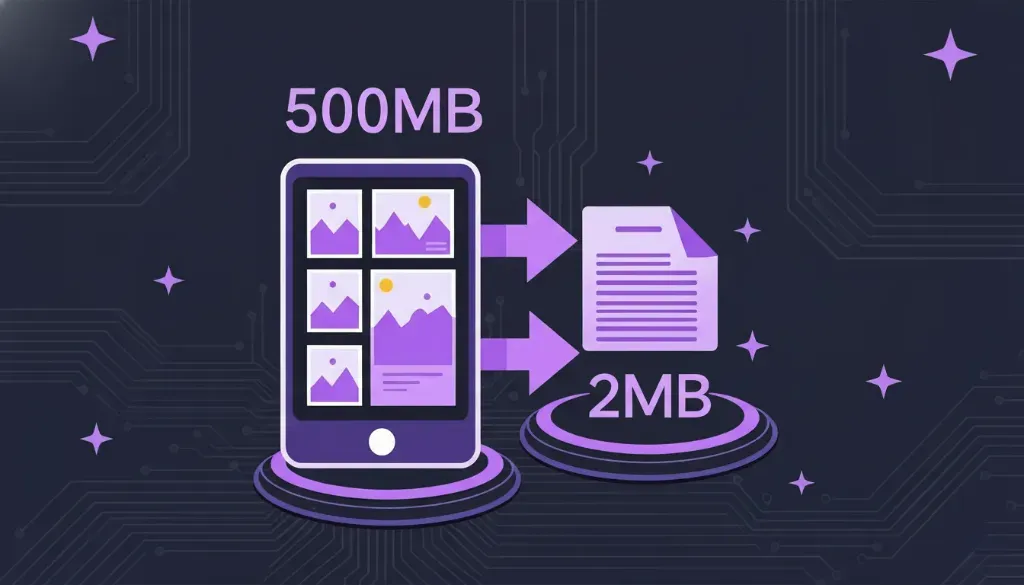
If you've ever tried to compress a batch of images for free, you've probably hit a wall. Maybe it was a "daily limit reached" message. Maybe it was a popup asking for your email. Maybe you could only compress 5 images before being forced to wait 24 hours. The frustrating truth is that most "free" image compressors aren't really free—they're freemium products designed to push you toward paid plans.
The Hidden Costs of "Free" Image Compressors
Let's be honest about what happens when you use popular tools like TinyPNG, TinyJPG, or Squoosh. They work well—there's no denying that. The compression quality is excellent, and they've been around long enough to earn trust. But beneath the friendly interfaces lie restrictions that can seriously disrupt your workflow.
These services have operating costs: server infrastructure, bandwidth, development teams, and marketing. They need to make money somehow, and that somehow usually means limiting free users while pushing upgrades. This business model is understandable, but it creates real problems for people who need to compress lots of images regularly.
⚠️ Common Limitations You'll Encounter
Daily upload limits (often 5-20 images), file size caps (typically 5MB per image), mandatory account creation for "free" use, watermarks on compressed images, slow processing during peak hours, and compressed files that expire after a short time.
For casual users who compress a few photos occasionally, these limits might not matter. But for web developers, photographers, e-commerce store owners, bloggers, and content creators who work with images daily, these restrictions quickly become frustrating roadblocks that waste time and disrupt productivity.
Comparing the Top Free Image Compressors
Not all image compressors are created equal. We've tested the most popular options to give you an honest comparison of their limitations and features. This isn't about bashing competitors—it's about helping you find the right tool for your specific needs without wasting time on services that won't work for you.
| Tool | Daily Limit | Max File Size | Bulk Upload | Login Required |
|---|---|---|---|---|
| NoLoginTool ✓ | Unlimited | No limit | Yes | No |
| TinyPNG | 5 files (free) | 5MB | Yes | For API |
| TinyJPG | 5 files (free) | 5MB | Yes | For API |
| iLoveIMG | 15 files/day | Unlimited | Yes | Optional |
| Squoosh | Unlimited | No limit | No (single) | No |
| Compressor.io | 10 files/day | 10MB | No | Yes |
What Makes a Truly Free Compressor?
When we say "truly free," we mean tools that don't penalize you for using them. A genuinely free image compressor should allow you to compress as many images as you need, whenever you need, without jumping through hoops. Let's break down what this actually means in practical terms.

Why Compression Quality Matters More Than Quantity
While we've focused on limits, compression quality is equally important. After all, an unlimited compressor that destroys your images isn't useful. The best tools balance file size reduction with visual quality preservation, using smart algorithms that understand which image data is essential and which can be safely discarded.
Modern compression algorithms can achieve 60-80% file size reduction with visually imperceptible quality loss. This happens by removing metadata, optimizing Huffman tables, and carefully reducing color depth where the human eye won't notice. The result is images that look identical but load much faster—a win for both user experience and SEO.

The NoLoginTool Difference
We built our Image Compressor specifically to solve the frustrations we experienced with existing tools. The philosophy is simple: provide professional-quality compression without the arbitrary limits that make other "free" tools frustrating to use. Here's what you get:
When to Use Different Compression Tools
Different tools serve different purposes, and there's no shame in using multiple options depending on your needs. Here's a practical guide for choosing the right compressor for specific situations:
Single image, maximum quality: Squoosh excels here with its fine-tuned controls and real-time preview.
Bulk product photos: NoLoginTool—process dozens of e-commerce images without limits.
Client deliverables: NoLoginTool—no embarrassing "limit reached" messages mid-project.
Blog content batch: NoLoginTool—compress an entire post's worth of images at once.
Quick mobile compression: TinyPNG's mobile-friendly interface works well for occasional use.
The Real Cost of "Free" Tools
Here's something most comparison articles won't tell you: the time you spend working around free tool limitations has real value. If you spend just 5 minutes daily navigating limits, waiting for resets, or finding alternative tools, that's over 30 hours per year wasted. Time that could be spent on actual productive work instead of fighting against artificially imposed restrictions.
This is why we believe truly free tools matter. Not because everyone should refuse to pay for software—paid tools have their place—but because basic image compression shouldn't require a subscription or constant workarounds. It's a fundamental need that should have a genuinely free solution.
Try Unlimited Image Compression
No limits. No login. No waiting. Just compress.
Compress Images NowFree forever • No account needed • Works in your browser